Using a Touchpad? Keyboard Controls for Our 3D Anatomy
A quick tip for anyone studying on a laptop with only a touchpad. A mouse is the easiest way to move around our 3D content, but if you don't have one to hand, your keyboard can do the job nicely. ⌨️
Orbit with the arrow keys
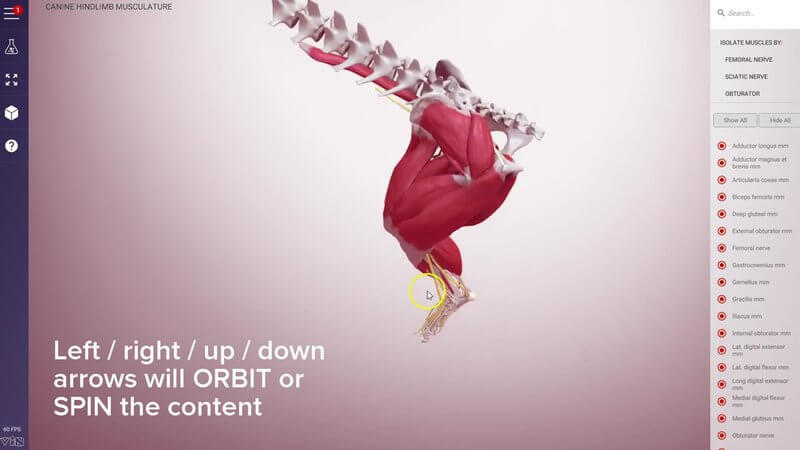
Use the left and right or up and down arrows on your keyboard to orbit (spin) the content. Want it to turn a bit quicker? Hold down Shift while you use the arrows.
Move the content with W, A, S and D
To move the content around the screen, use the W, A, S and D keys:
- W moves it up
- S moves it down
- A moves it left
- D moves it right
Reset with C
Lost your bearings? Press the C key at any time to reset the camera view.
More to come
That's all it takes to get around a scene, whether you're revising on the train or checking a structure between patients. We've got a few more things coming that will hopefully make navigation even easier.
Explore more
FREE for veterinary students, interns, residents & academics at vin.com. Also available by subscription at ivalalearn.com
Want to understand more about the options for accessing the content? Our company FAQs have the answers here pricing, account access and billing.